
Descripción
Recargable Slim 2.4G inalámbrico portátil ch'o' óptico ch'o' yéetel receptor USB 3 niveles DPI ajustables, 6 botones utia'al u cuaderno, PC, ordenador portátil, computadora, Macbook
Ba'ax le beneficios u elegir jump'éel ch'o' portátil inalámbrico 2.4G recargable?
Parámetros técnicos:
*2.4G ma'alo'obtal u transmisión inalámbrica
*10M náachil u k'amik inalámbrico
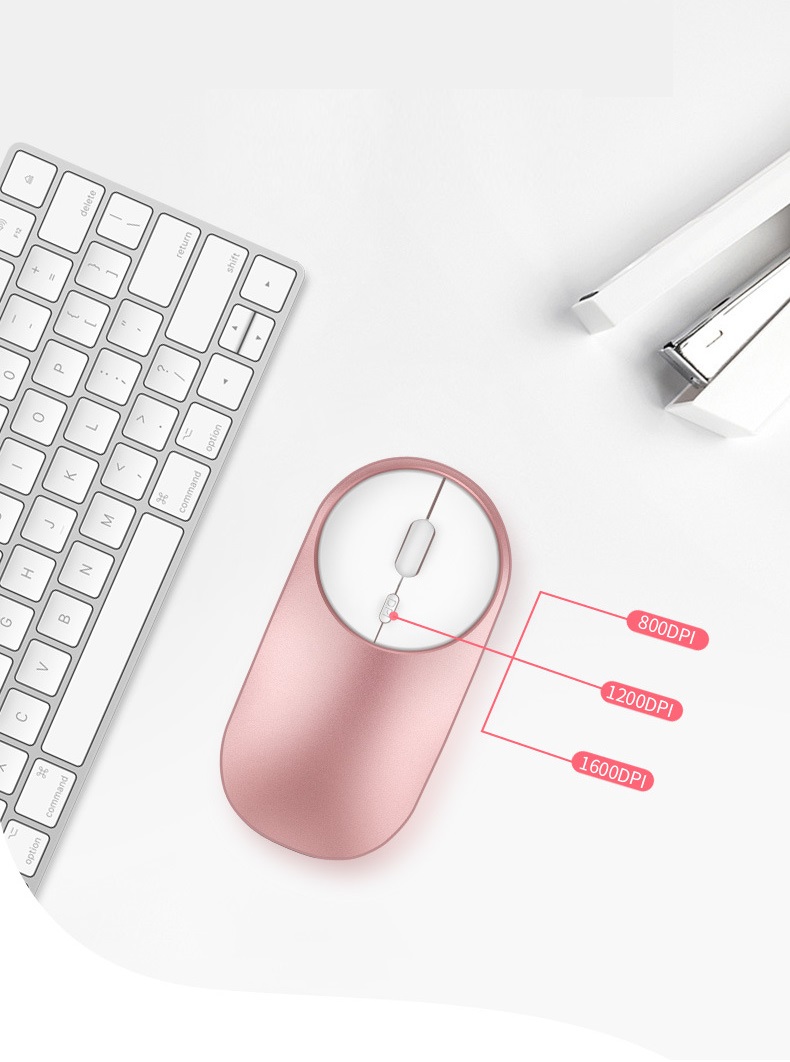
*Diseño u ajuste DPI u yóoxp'éel engranaje
*Ch'o' inalámbrico u oficina quieto yéetel elegante
*Ka'anal resolución: Max 1600 DPI ka'anal resolución uti'al u péek fluido
*Diseño bek'ech u moda: Diseño bek'ech uti'al jump'éel bey elegante yéetel búukinta'al portátil
Instalación yéetel búukinta'al wook:
1. jóok'es le ch'o' inalámbrico ti' le máabeno'.
2. Retire le mini receptor instalado tu inferior le ch'o', inserte le interfaz USB ti' le ordenador,
Código gratis, enchufe yéetel báaxal.
3. Le productoa' jump'éel batería litio incorporada. Chéen k'a'abet a ts'áik le interruptor inferior ti' le posición ON.
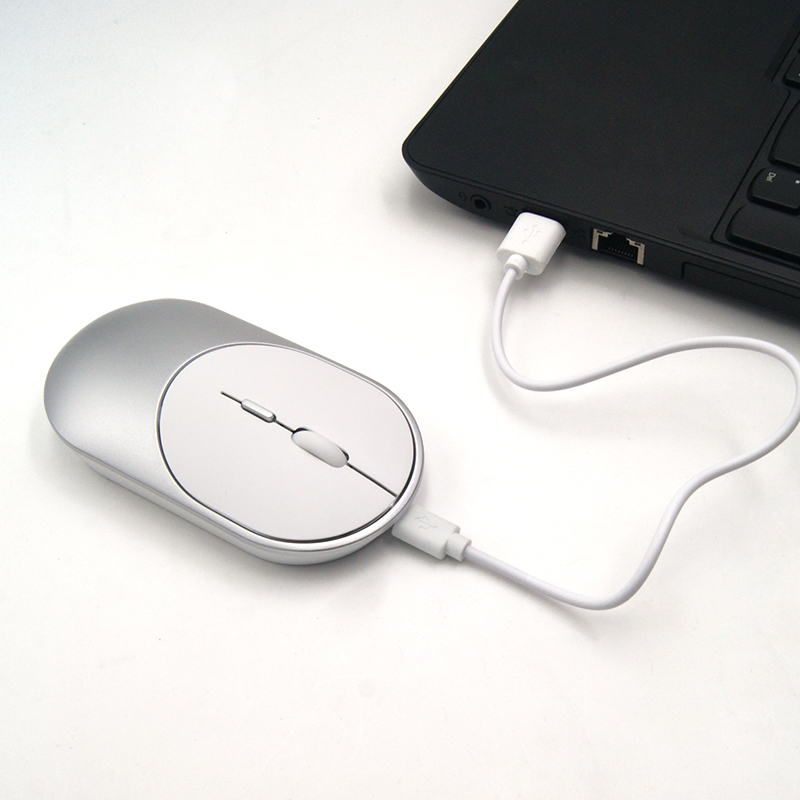
Yaan jump'éel cable kuuch ti' le paquete. Le ken u retraso u péek le cursor ku yúuchul, Béet inserte le cable kuuch ti' le interfaz frontal ti' le ch'o' utia'al u kuuch. Béet k'aax u ma' biilankiltej ka' jo'op' u kuuch!
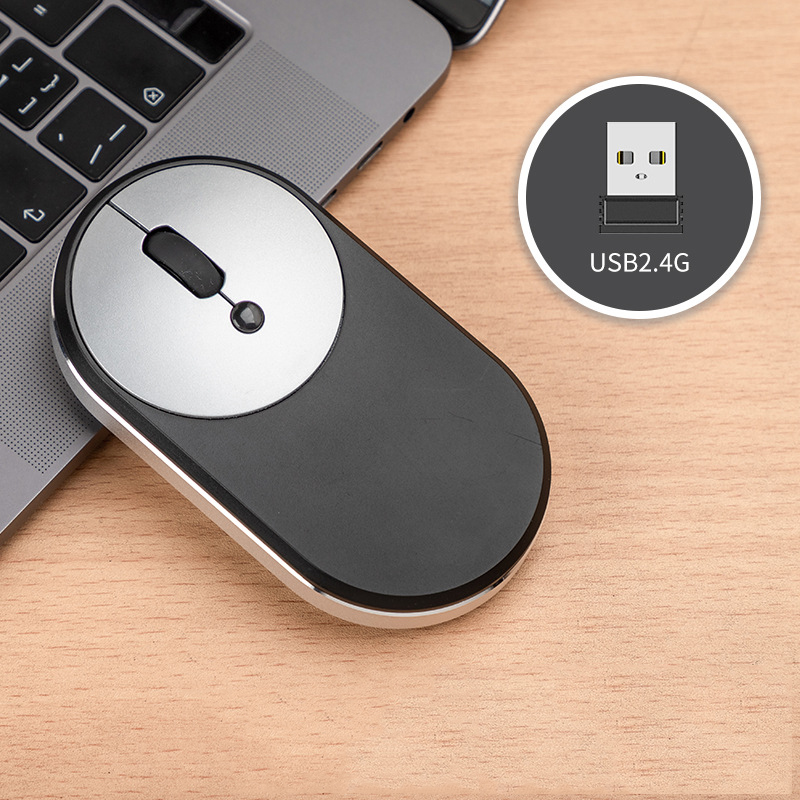
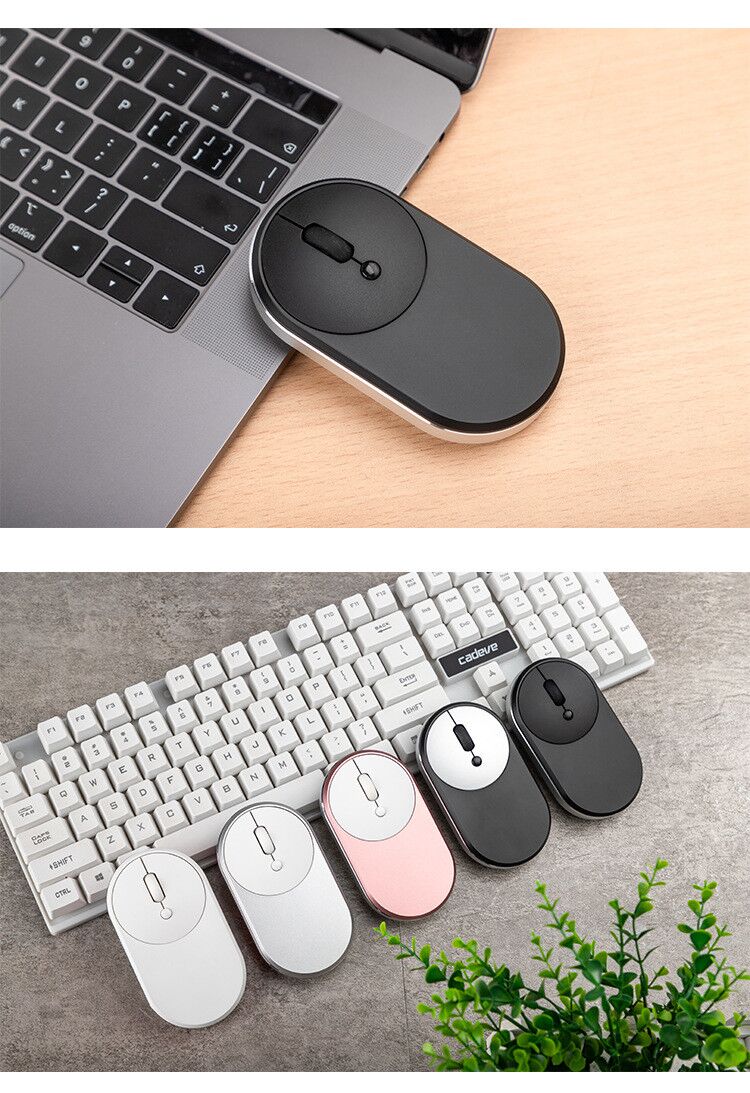
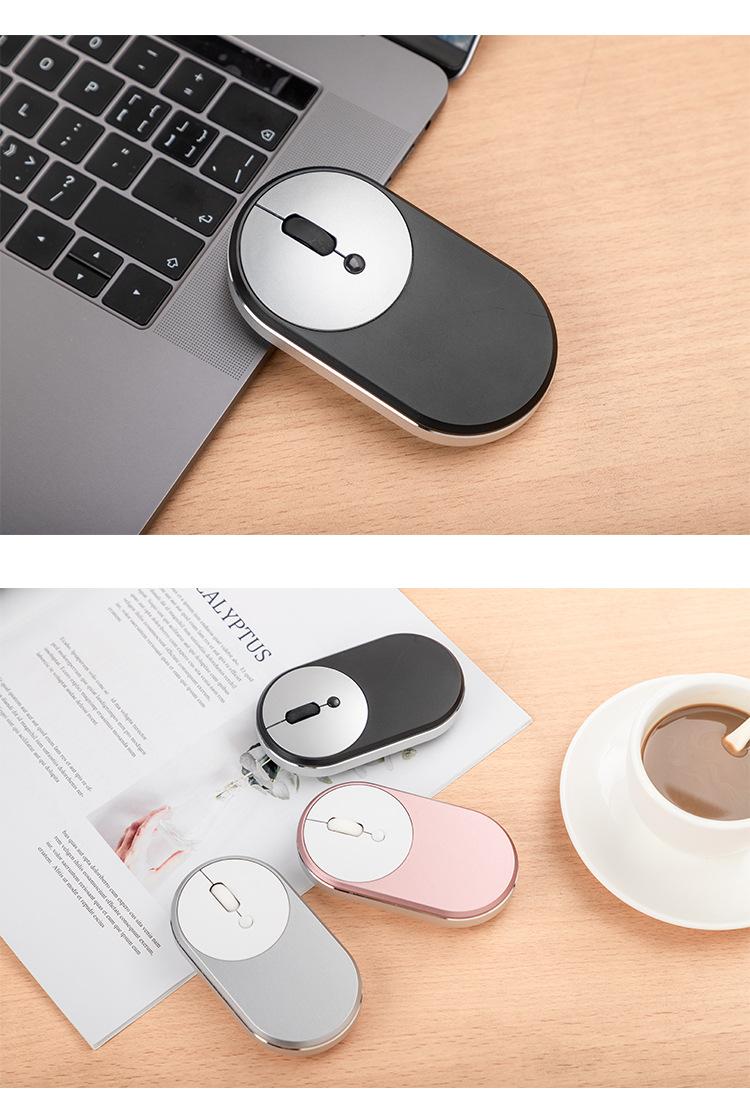

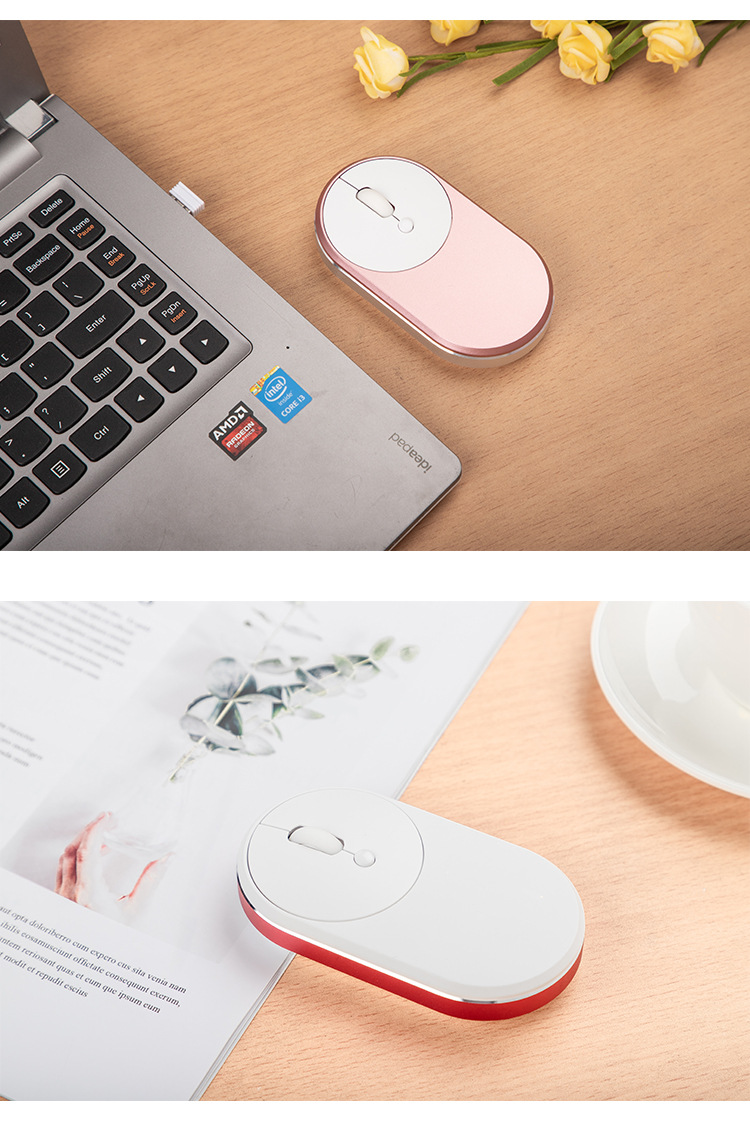
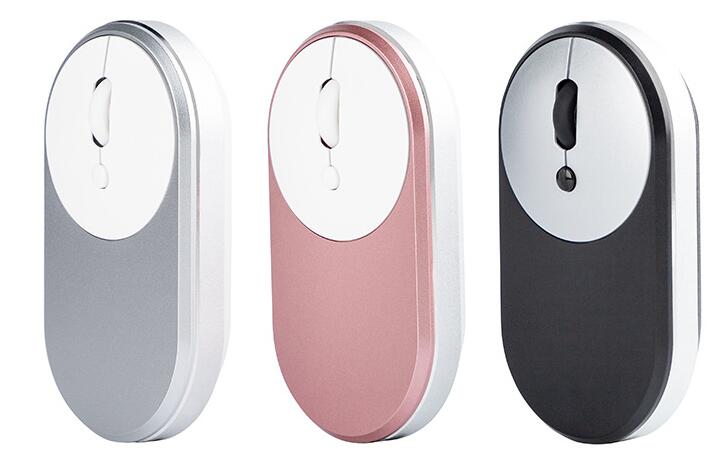
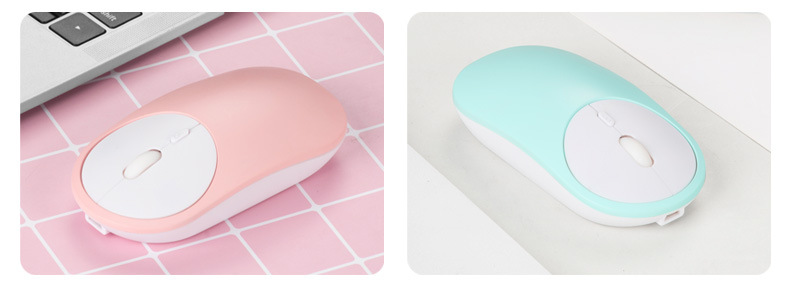

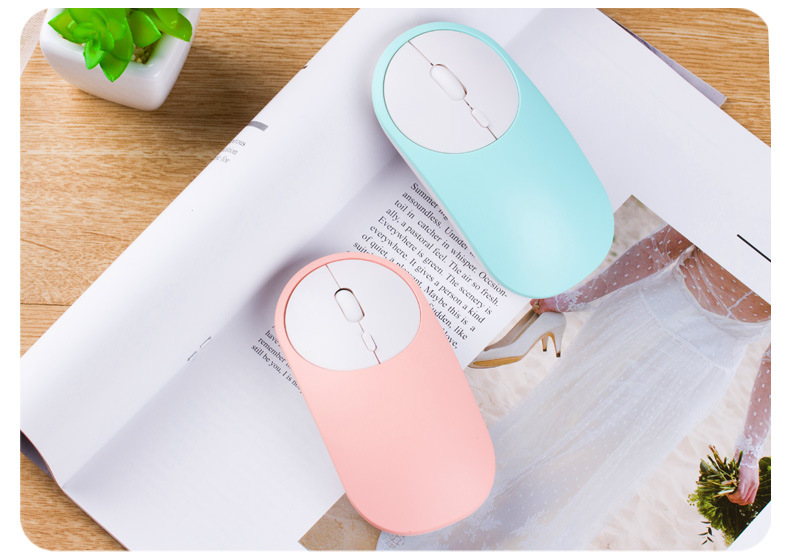

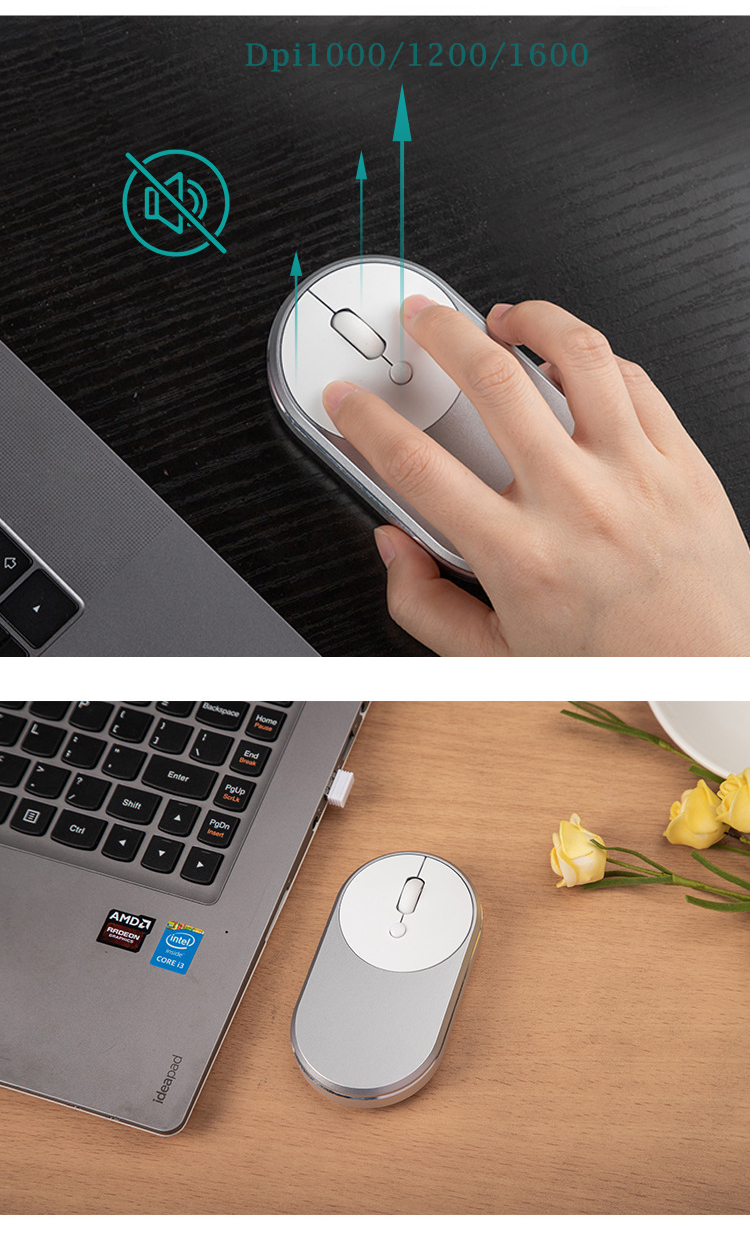

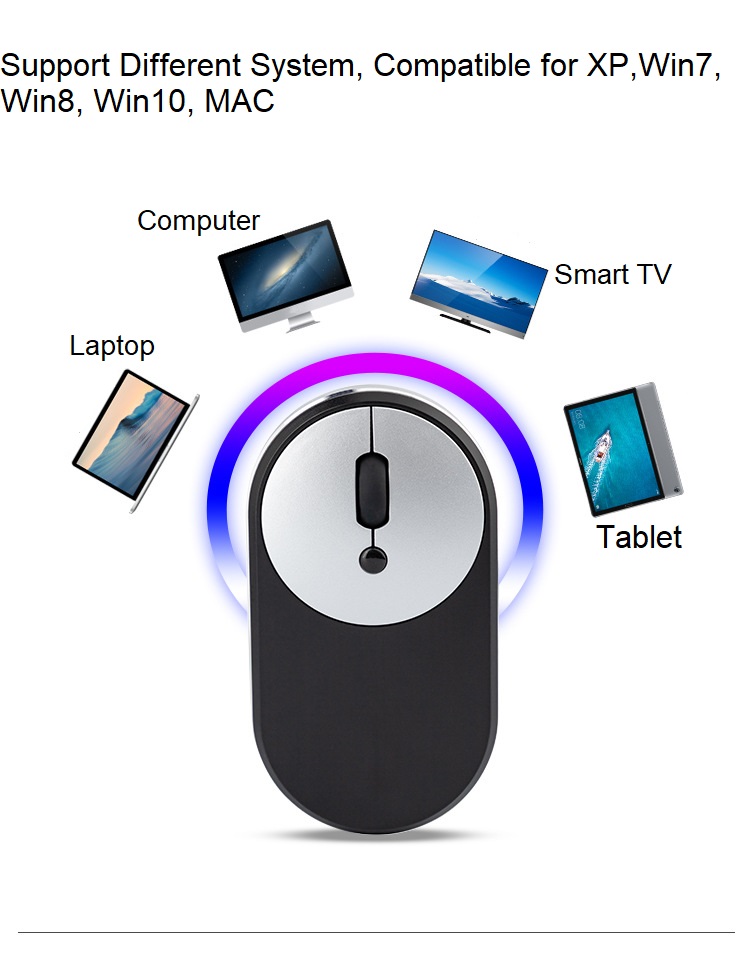
K k'ajóoltik le ch'o' portátil inalámbrico recargable Slim 2.4G tumen GCC ELECTRONIC, u acompañante perfecto utia'al u navegación O'olkij yéetel precisa ti' u dispositivos computadora. Le ch'o' inalámbrico elegante yéetel ergonómico k'u'ubul le comodidad yéetel comodidad final, ku beetik jump'éel opción ideal utia'al tuláakal u kajtalo'ob ichil informáticas. A'al adiós ti' le cables enredados yéetel experimentar le libertad le conectividad inalámbrica!
P: wáaj ba'ax jela'an ti' le ch'o' portátil inalámbrico 2.4G Recargable Slim ti' uláak' ch'o'obo'?
R: Le ch'o' portátil inalámbrico recargable Slim 2.4G ku destaca tumen u diseño bek'ech yéetel ergonómico, proporcionando jump'éel agarre yanen utia'al u usuarios izquierda yéetel derecha. U conectividad inalámbrica ti' ku cha'antik máansik utsil ti' movimiento xma' restricciones yéetel elimina le desorden cable ti' u escritorio, ma'alo'obkíinsiko'ob u yaan informática global.
P: wáaj le ch'o'o' ch'a'abil u configurar yéetel utilizar?
A: jach jaaj! Le ch'o' portátil inalámbrico recargable Slim 2.4G yaan ti' jump'éel receptor USB ku enchufa uchik ti' u puerto USB u computadora. Le ken ts'a'abak, le ch'o'o' táan listo uti'al u meyaj. Ma' k'a'abéet uláak' controladores wa instalación software, beetik u jump'éel yaan xma' toop.
P: wáaj bix u meyaj le característica DPI ajustable?
R: Le ch'o'o' yaan ti' óoxp'éel niveles DPI (Dots Per Inch) ajustables: t'okik, chúumuk yéetel ka'anal. U ajuste le DPI ti' ku cha'antik personalizar le sensibilidad le cursor le ch'o', abasteciendo u preferencia yéetel kajtalo'ob ichil. Le configuración DPI asab baja ku ts'aik jump'éel kaambalil yo'osal preciso, ideal utia'al u tareas ku k'a'anan exactitud, ka' jo'op' u le configuración DPI asab ka'anal ku ts'aik movimiento cursor asab séeba'an utia'al u navegación asab O'olkij.
P: wáaj bix je'el in recargar le ch'o'o'?
R: Le ch'o' portátil inalámbrico recargable Slim 2.4G yaan ti' jump'éel batería recargable incorporada. Chéen conecte le cable kuuch USB incluido ti' le puerto kuuch le ch'o' yéetel u computadora wa je'el ba'ax fuente alimentación USB. U kuuch le ch'o'o' jáan yéetel convenientemente ku yáantik Ma'atech u xu'ulul u muuk' ichil le tareas críticas.
K: je'el u páajtal in meyajtik le ch'o'a' yéetel in Macbook wa uláak' nu'ukulo'ob?
A: Jaaj, jach jaaj! Le ch'o' portátil inalámbrico recargable Slim 2.4G jach compatible yéetel jejeláas dispositivos, incluyendo PCs, ordenadores portátiles, Macbooks, yéetel computadoras ku ejecutan jejeláas sistemas operativos. U confiable ma'alo'obtal inalámbrica 2.4G asegura conectividad xma' toop yéetel rendimiento estable ichil jejeláas dispositivos.
K: ¿Jayp'éel botón yaan ti' le ch'o'o'?
R: Le ch'o'o' yaan ti' seis botones, incluyendo le botones izquierda yéetel derecha estándar, jump'éel t'íinche'balak' desplazamiento utia'al u ch'a'abil navegación, yéetel ka'ap'éel botones laterales adicionales. Le k'iino'oba' botones laterales páajtal u programados utia'al u noj específicas, proporcionando asab comodidad yéetel productividad.
Ma'alo'obkíinsiko'ob u yaan ti' kaambalo'ob ti' le informática yéetel le ch'o' portátil inalámbrico recargable Slim 2.4G. Disfrute u libertad le conectividad inalámbrica, diseño ergonómico, yéetel niveles DPI ajustables utia'al u adaptar u kajtalo'ob ichil. A'al hola ti' le navegación O'olkij yéetel precisa, wa meyaj, báaxal, wa navegando tumen le web.

Comentarios
Mina'an valoraciones láayli'.